📖 What to know about the Apron Waist Faux Burlap
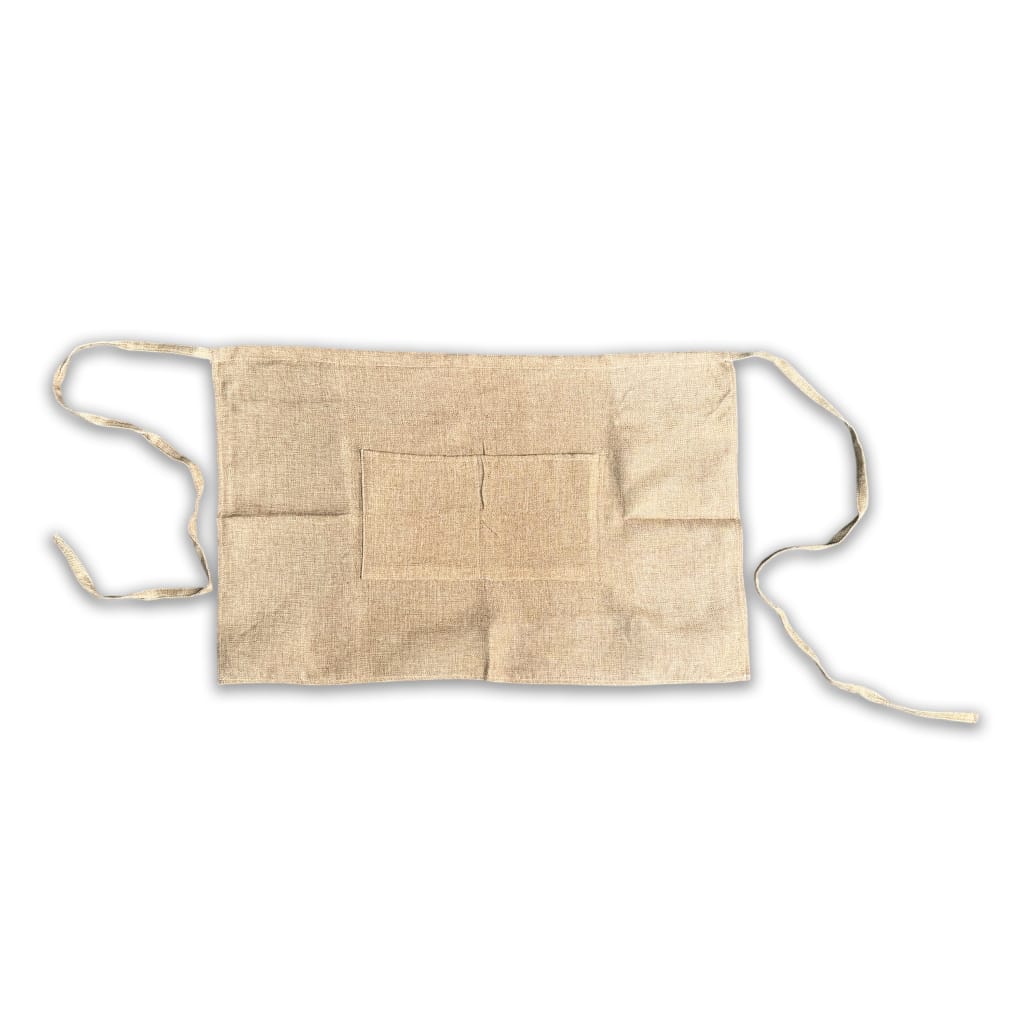
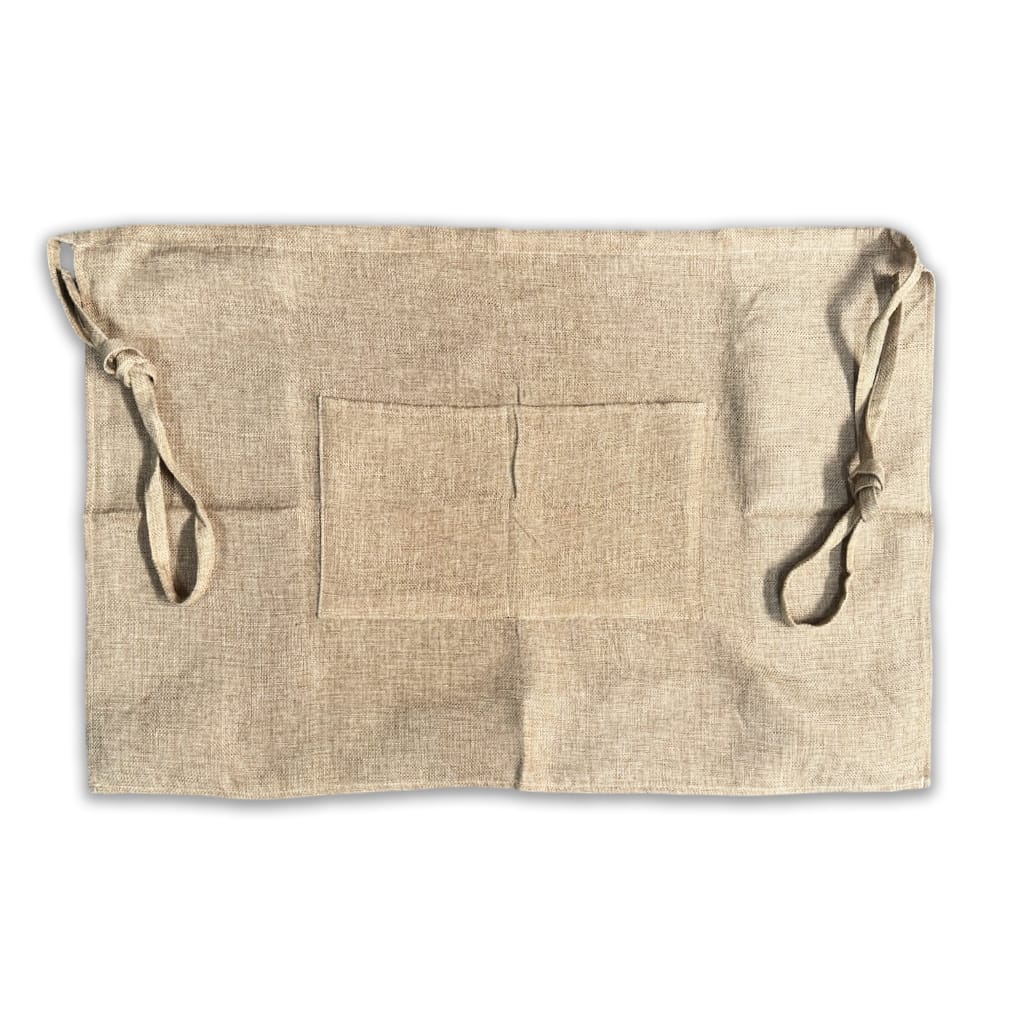
Fantastic customisable sublimation aprons.
📋 Apron Waist Faux Burlap Features
- Each strap is 90cm in length. ✓
📋 Apron Waist Faux Burlap Dimensions
📏 Product Dimensions
| Length: | 45.00 Cm (+/- 5%) |
| Width: | 70.00 Cm (+/- 5%) |
| Height: | 0.50 Cm (+/- 5%) |
| Weight: | 0.11 Kg (+/- 5%) |
📦 Shipping Dimensions
| Length: | 23.00 Cm (+/- 5%) |
| Width: | 18.00 Cm (+/- 5%) |
| Height: | 1.00 Cm (+/- 5%) |
| Weight: | 0.11 Kg (+/- 5%) |
♨️ How to sublimate a Apron Waist Faux Burlap
📋 Materials Needed
- Sublimation printer and sublimation ink
- Sublimation paper
- Heat-resistant tape
- Apron Waist Faux Burlap (Substrate)
- Optional: Pressing pillow
🔥 Flat Heat Press Settings
| Temperature Min: | 180°C |
| Temperature Max: | 200°C |
| Time Min: | 60 Seconds |
| Time Max: | 80 Seconds |
| Pressure: | High |
(Tip: Different presses vary—start at 190°C for 70 seconds and adjust if needed.)
📝 Preparation
- For templates, Mock-ups and image size required, please refer to the Design tab.
- Print your design, mirror your image.
- Clean the substrate printing surface using a microfiber cloth or lint brush to remove dust, oils or lint. (As per substrate)
- Place the substrate sublimation printable area facing up, align the print to cover the area.
- Secure the edges using heat-resistant tape to prevent movement.
🛠️ Flat Heat Press Pressing
- Place a sheet of protective paper on the press.
- If this is your first press of the day, make sure you do a pre-press at the suggested heat press settings and bring all materials up to temperature.
- Flip the substrate holding the taped areas to secure.
- Place the substrate into the press sublimation coating face up, towards the heating element.
- Cover with another sheet of protective paper.
- Press at listed Heat Press Settings Above.
- Repeat preparation and pressing instructions for the other pieces/side(s) of the substrate.
❄️ Cooling and Assembly
- Carefully remove the substrate from the press (it will be hot).
- Peel off the sublimation paper while the substrate is warm for best results.
- Allow the substrate to cool completely.
✅ Tips for Best Results
- Ensure full edge-to-edge coverage in your design to avoid white borders (ensure bleed is sufficient).
- If colours look dull, increase time by 5 seconds or pressure slightly.
- If the coating looks yellowed, your temperature is too high or time too long.
- Store substrate in a clean, dry, dust-free area before printing.
- When pressing in sections, press with the already pressed area hanging out of the press.
- Will not achieve an all over print.
Only logged in customers who have purchased this product may leave a review.


Reviews
There are no reviews yet