
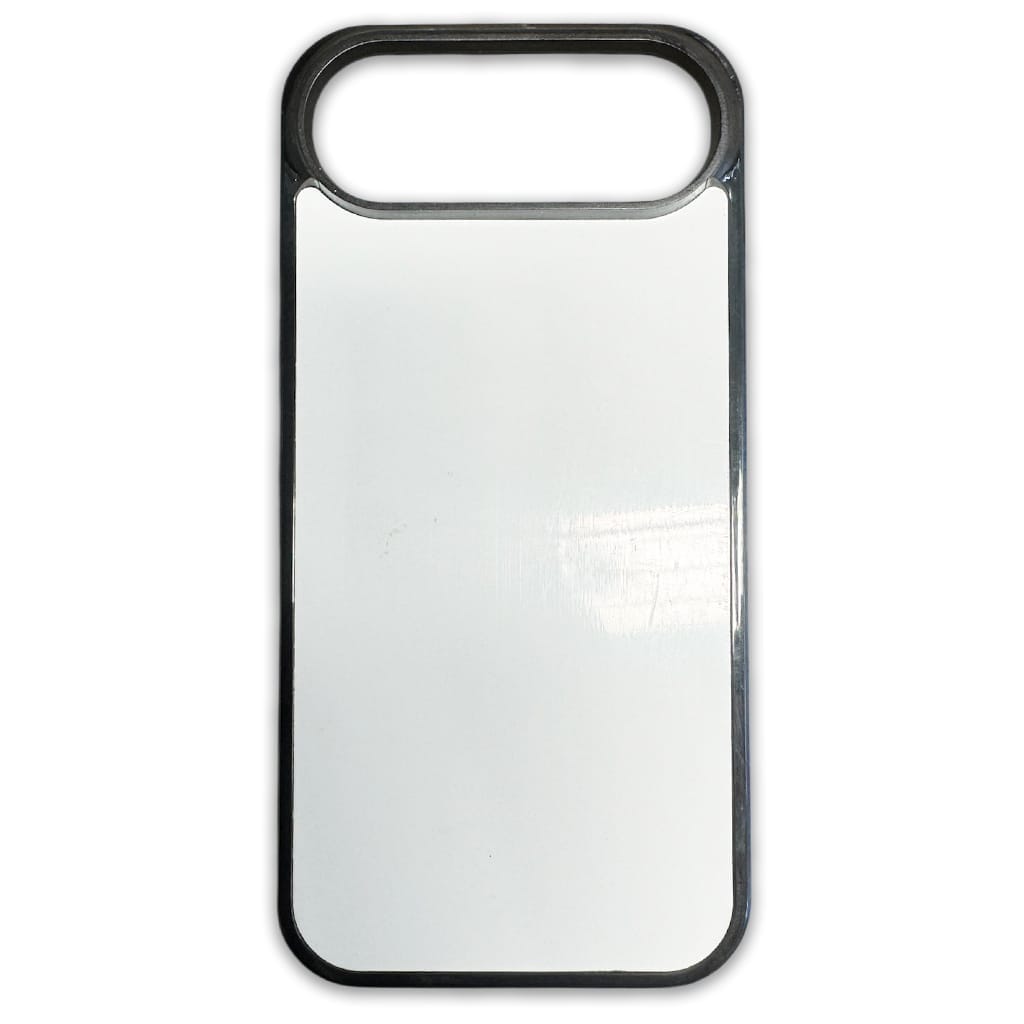
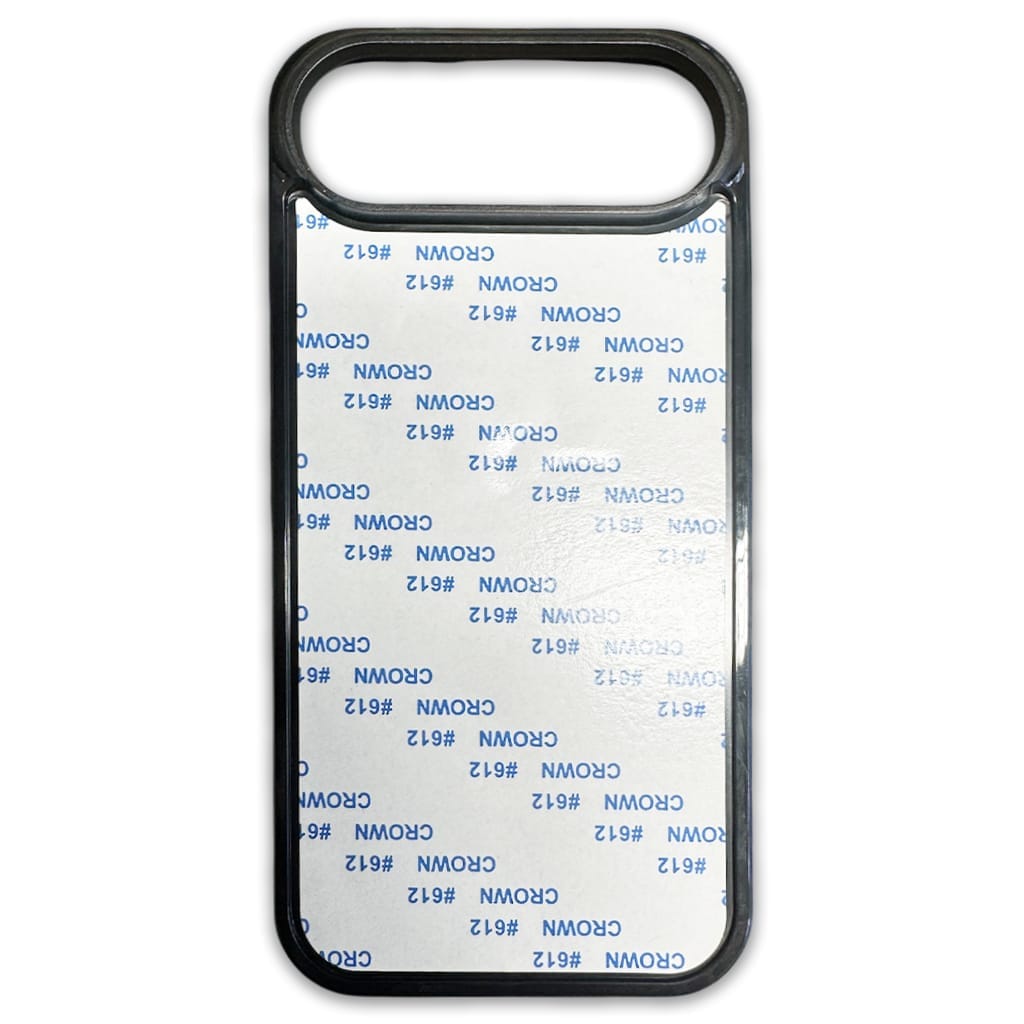
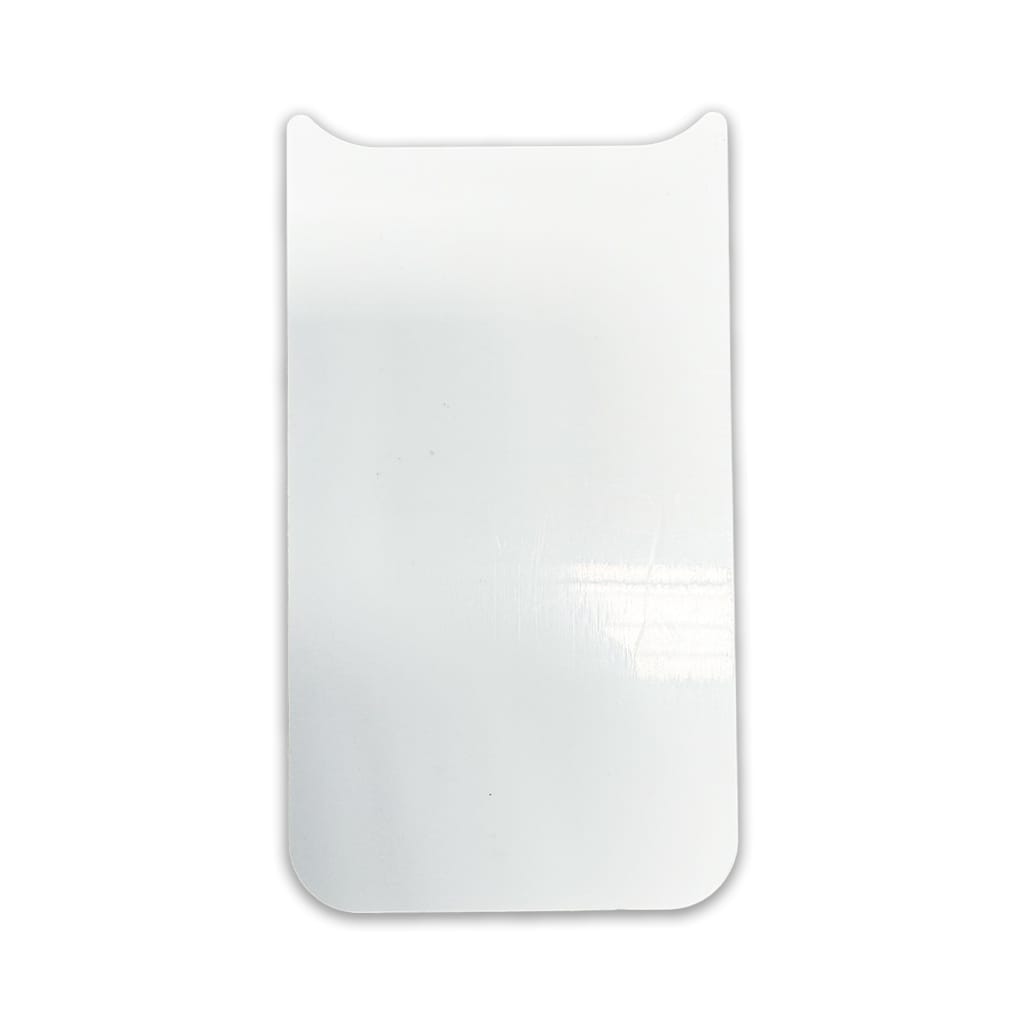
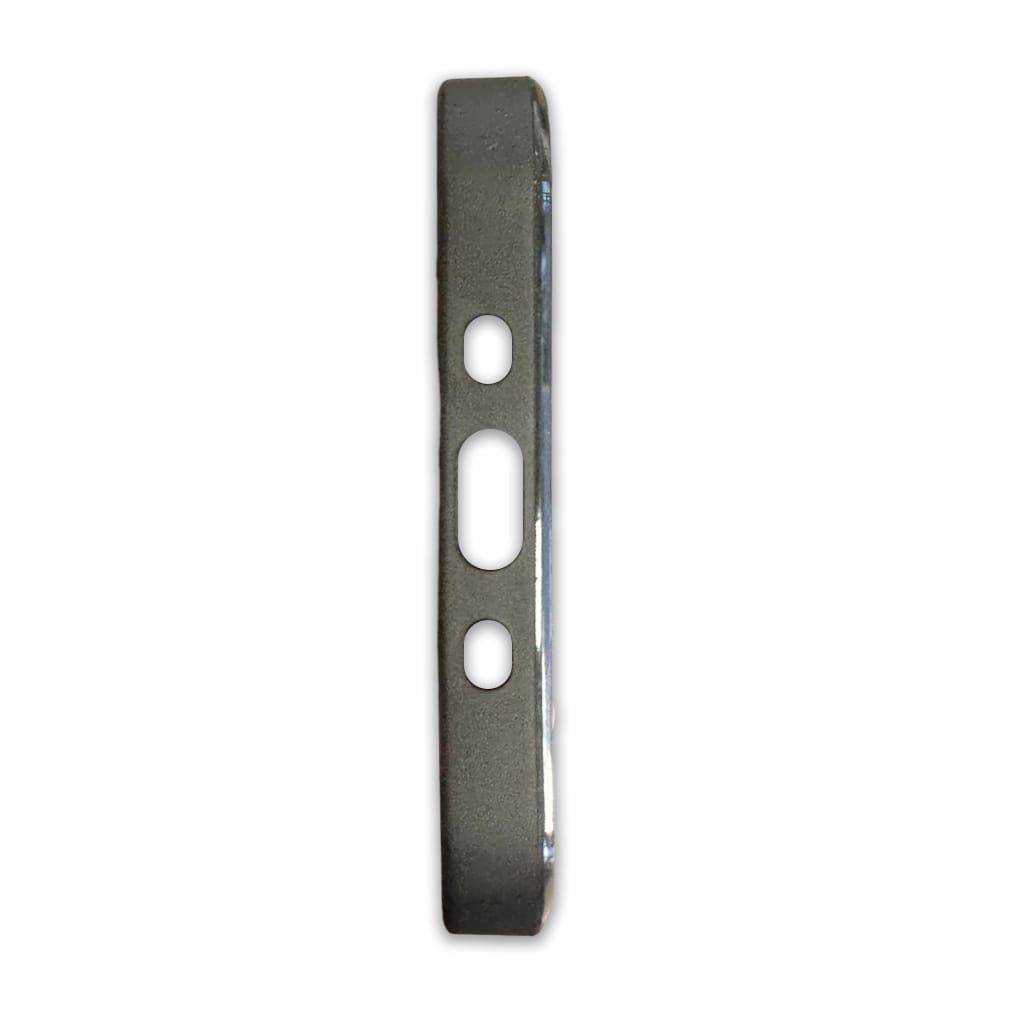
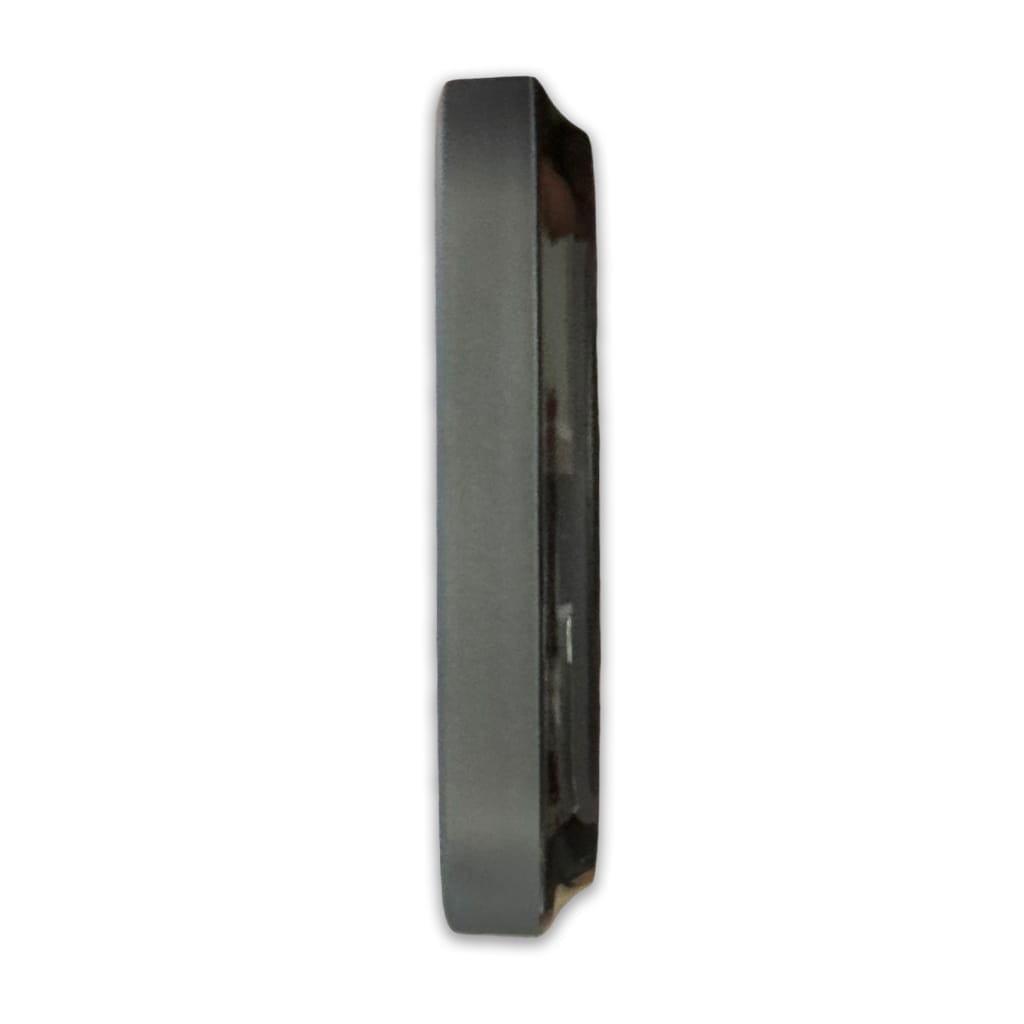
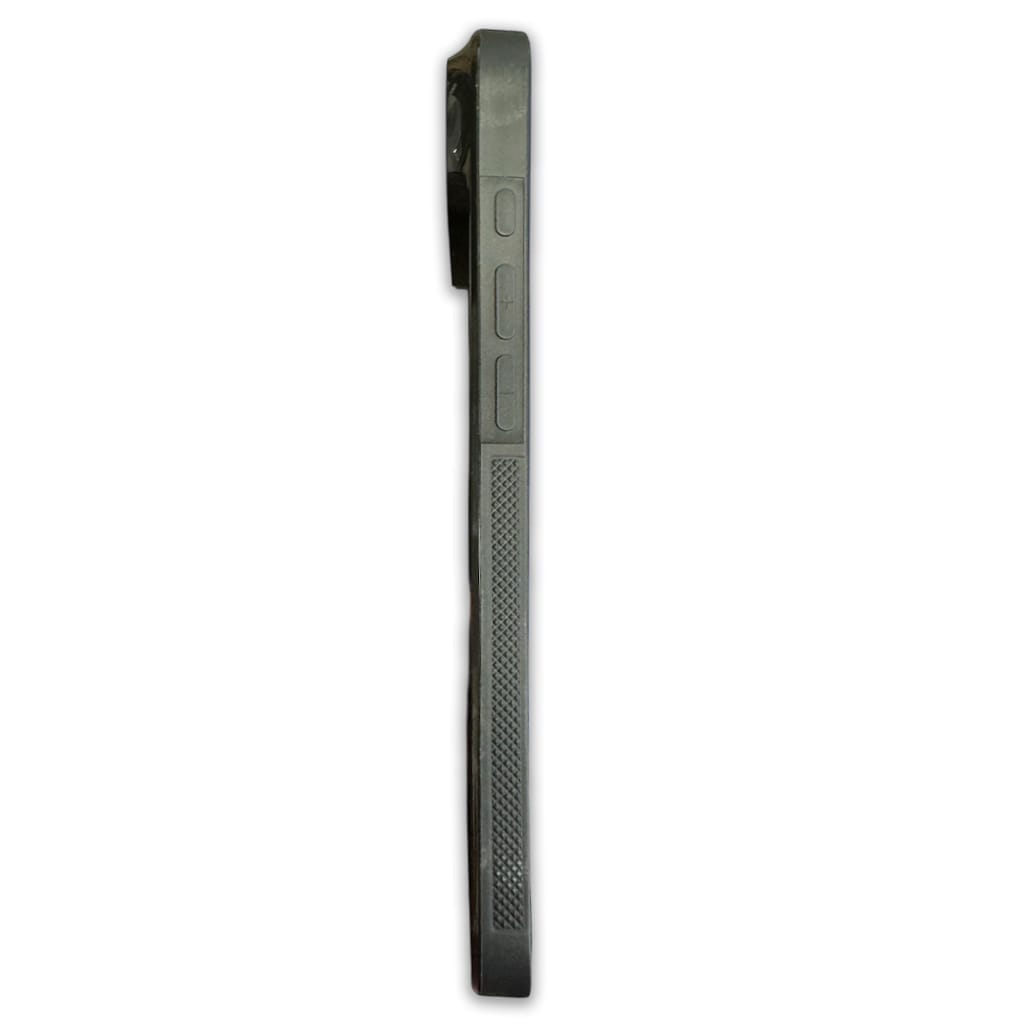
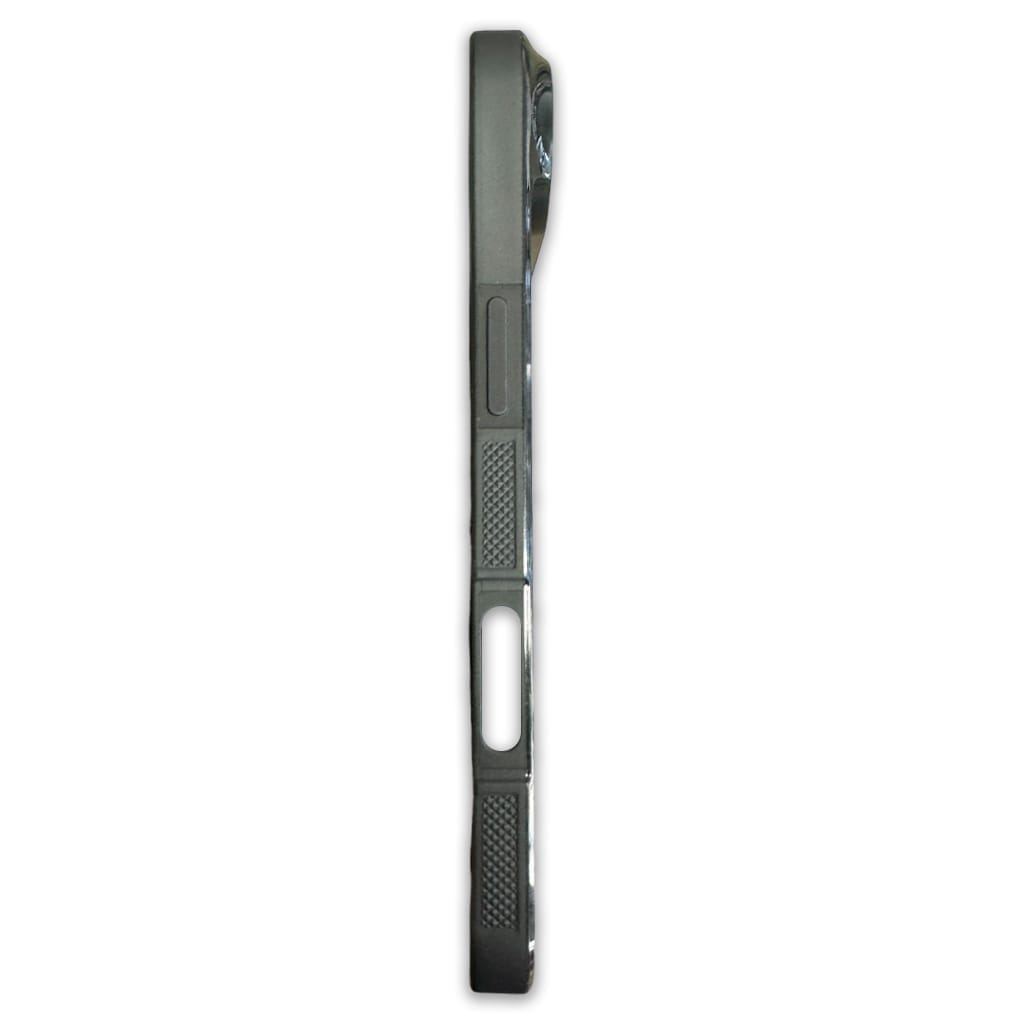
📖 What to know about the iPhone 17 Air 6.7 TPU Phone Case
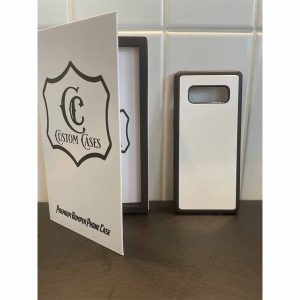
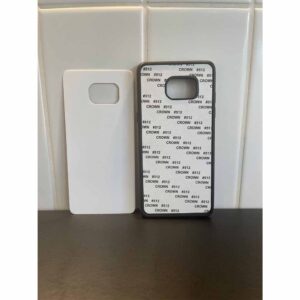
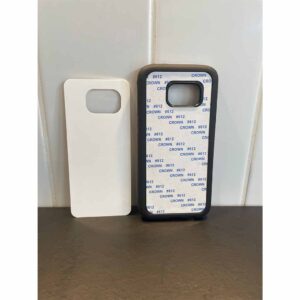
Quality sublimation bumper phone case which has an overlying lip on all sides to protect the phone and screen from damage, exceeds military drop test standard MIL-STD-810G 516.6. Prevention is better than cure, with Suregrip sides that reduce the possibility of dropping your phone so that potential damage is reduced.
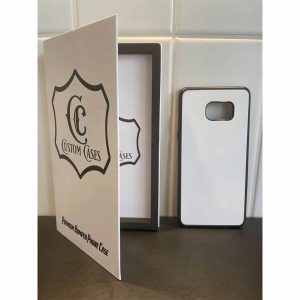
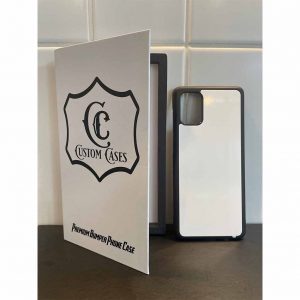
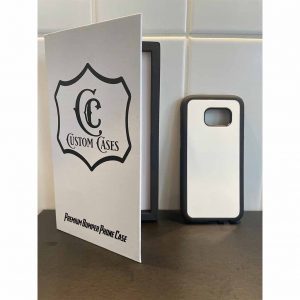
Cases DO NOT COME WITH RETAIL PACKAGING – SOLD SEPERATELY, please see here for retail packaging for phone cases.
Unlike all over print rubber cases, they are resistant to UV fading, scratching and scuffing and do not capture dirt and discolour. These are not the cheap hard plastic lightweight cases on the market elsewhere.
📋 iPhone 17 Air 6.7 TPU Phone Case Features
- Precision Fit to the exact dimensions of the iPhone 17 Air 6.7 ✓
- Flexible TPU edges with a for durable impact resistance ✓
- Direct external access to all buttons, controls, and ports ✓
- Exceeds military drop test standard MIL-STD-810G 515.6. ✓
- Personalises your cell phone ✓
- Vibrant Imagery ✓
📋 iPhone 17 Air 6.7 TPU Phone Case Dimensions
📏 Product Dimensions
| Length: | 16.00 Cm (+/- 5%) |
| Width: | 7.40 Cm (+/- 5%) |
| Height: | 1.30 Cm (+/- 5%) |
| Weight: | 0.04 Kg (+/- 5%) |
📦 Shipping Dimensions
| Length: | 16.00 Cm (+/- 5%) |
| Width: | 7.39 Cm (+/- 5%) |
| Height: | 1.30 Cm (+/- 5%) |
| Weight: | 0.04 Kg (+/- 5%) |
♨️ How to sublimate a iPhone 17 Air 6.7 TPU Phone Case
📋 Materials Needed
- Sublimation printer and sublimation ink
- Sublimation paper
- Heat-resistant tape
- Flat Heat Press
- iPhone 17 Air 6.7 TPU Phone Case (Substrate)
🔥 Flat Heat Press Settings
| Temperature Min: | 180°C |
| Temperature Max: | 200°C |
| Time Min: | 60 Seconds |
| Time Max: | 80 Seconds |
| Pressure: | High |
(Tip: Different presses vary—start at 190°C for 70 seconds and adjust if needed.)
📝 Preparation
- For templates, Mock-ups and image size required, please refer to the Design tab.
- Print your design, mirror your image.
- Remove the protective cover from the sublimation surface.
- Clean the substrate printing surface using a microfiber cloth or lint brush to remove dust, oils or lint. (As per substrate)
- Place the printed image face up and align the subatrate to the centre of the print.
- Secure the edges using heat-resistant tape to prevent movement.
🛠️ Flat Heat Press Pressing
- Place a sheet of protective paper on the press.
- If this is your first press of the day, make sure you do a pre-press at the suggested heat press settings and bring all materials up to temperature.
- Flip the substrate holding the taped areas to secure.
- Place the substrate into the press sublimation coating face down, away from the heating element.
- Cover with another sheet of protective paper.
- Press at listed Heat Press Settings Above.
❄️ Cooling and Assembly
- Carefully remove the substrate from the press (it will be hot).
- Peel off the sublimation paper while the substrate is warm for best results.
- Allow the substrate to cool completely.
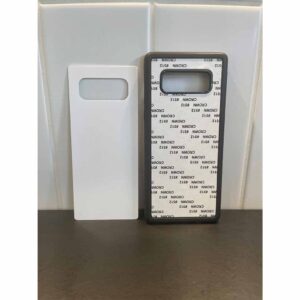
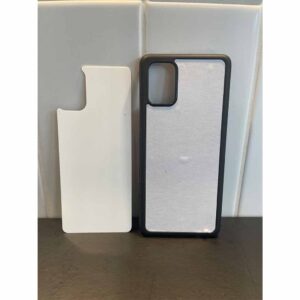
- Remove the adhesive backing from the Phone Case Cover.
- Align and affix the aluminium insert firmly onto the Phone Case Cover.
✅ Tips for Best Results
- Ensure full edge-to-edge coverage in your design to avoid white borders (ensure bleed is sufficient).
- If colours look dull, increase time by 5 seconds or pressure slightly.
- If the coating looks yellowed, your temperature is too high or time too long.
- Store substrate in a clean, dry, dust-free area before printing.
- Warm the adhesive on the case by hovering the heat press over the case after removing the cover for 10–20 seconds before applying the insert.
NOTICE: Product may not work with wireless charging due to aluminium insert.
Useful Links
Click here to find out more about the Apple iPhone 17 Air Phone
Click here to find out more about the Apple iPhone 17 Air Phone review
Reviews
There are no reviews yet